
Managing large-scale process automation projects hits friction when platforms silo data, limit mapping features, or lack actionable insight into system inefficiency. Many integration platforms hide pricing tiers, restrict access to AI features, or require custom setup before you can capture measurable gains. This list compares automation platforms by outcome mapping, AI visibility, and commercial terms so operations leaders, IT managers, and finance teams can select a better fit for 2026.
Table of Contents
Oakandnine
At a Glance
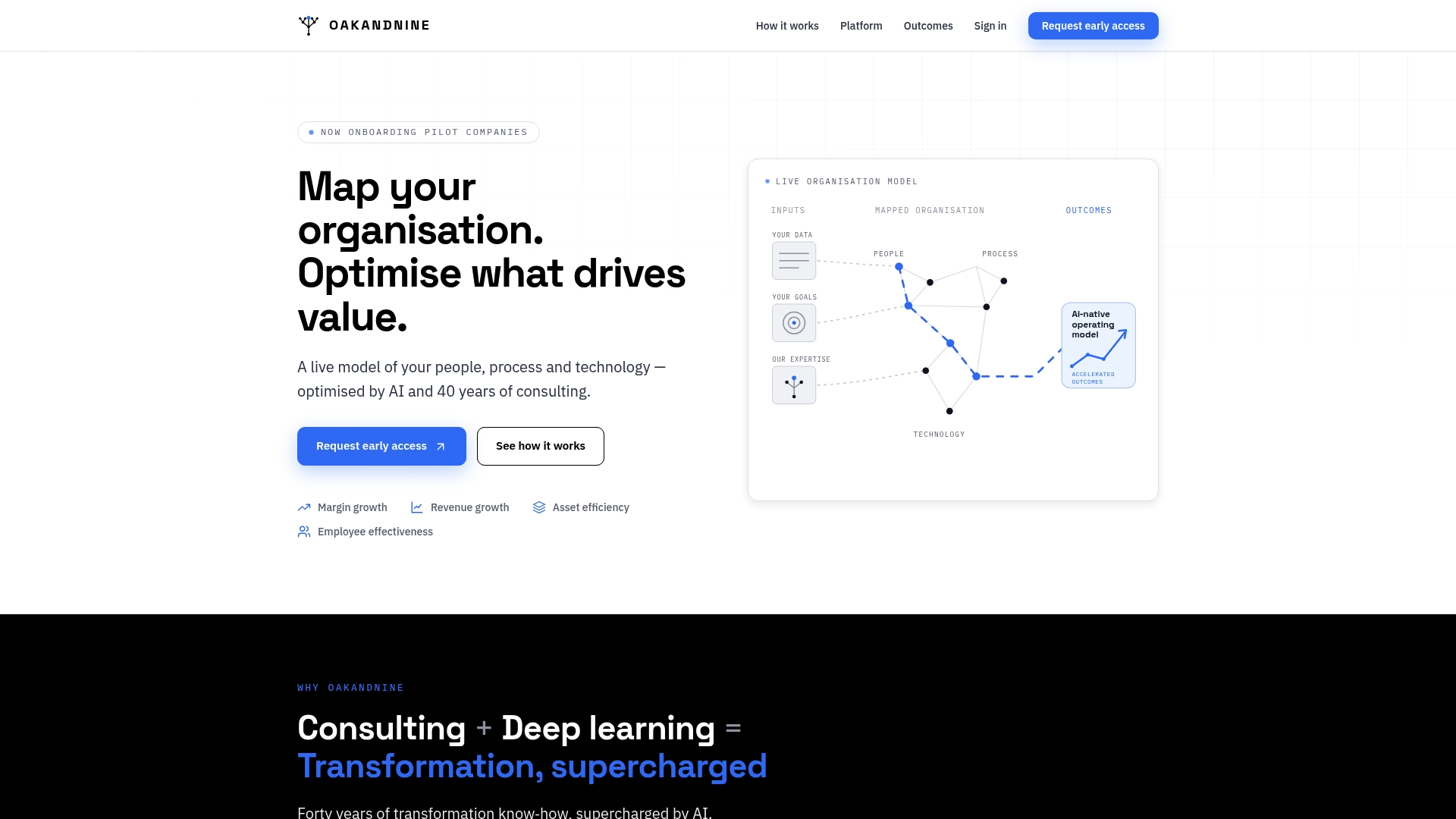
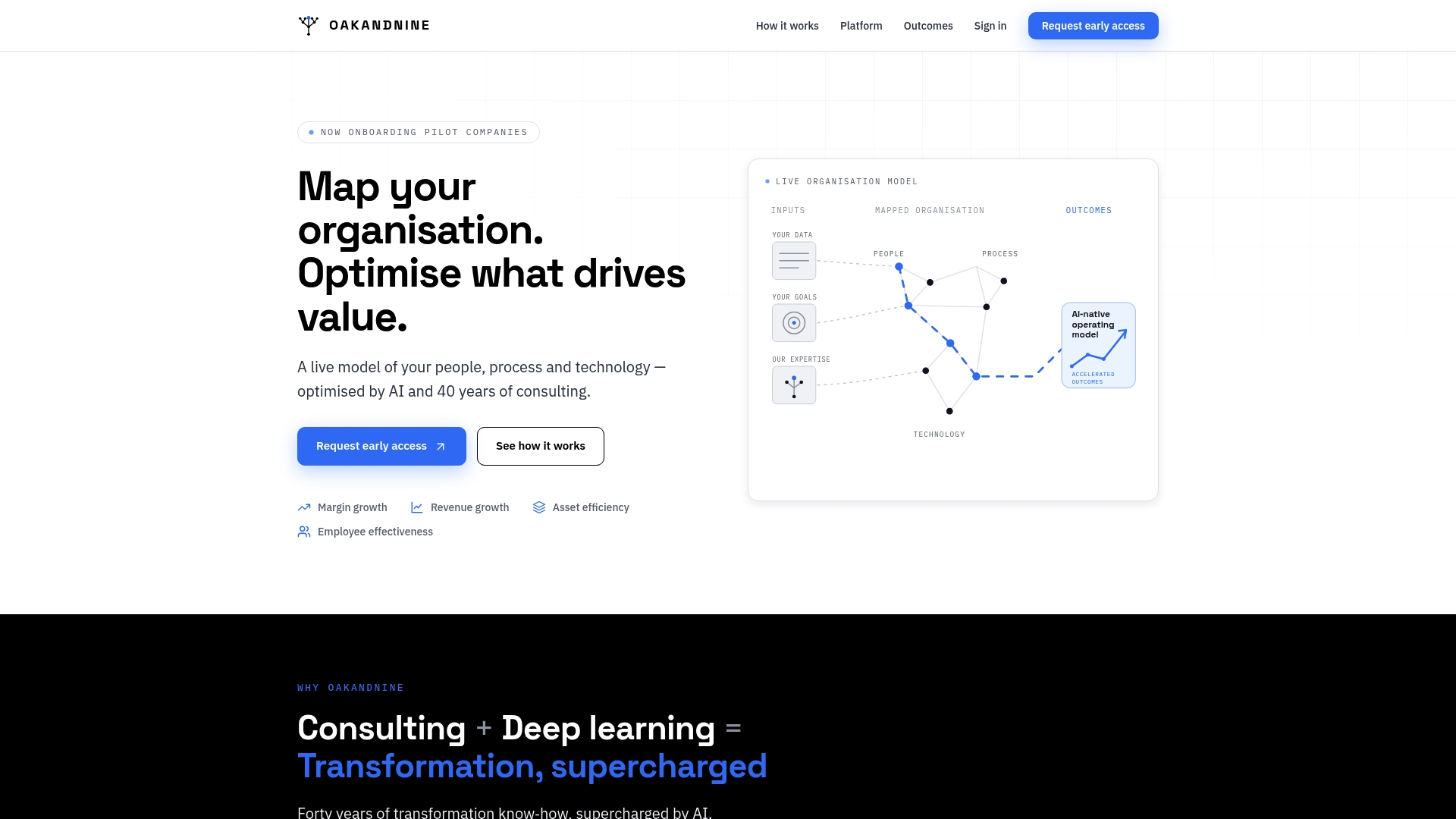
A live, connected model ties people, process, and technology into a single real-time map that highlights friction and high-value improvement paths. Oakandnine cites four decades of consulting experience, and the vendor is currently onboarding pilot companies for early access. The system pulls scattered organizational data into continuous updates that expose where margin and efficiency gains sit.
Core Features
The platform creates a live model of an organization that merges people, processes, and technology into one view and refreshes that view in real time. It centralizes scattered data sources and uses AI-driven identification to surface friction points and prioritized optimisation paths. Built-in consulting experience informs recommendations so teams get both diagnosis and suggested interventions.
Key Differentiator
Combining AI with a continuous organizational model informed by that four-decade consulting claim sets Oakandnine apart. The product maps improvement opportunities directly to margin, asset efficiency, and employee effectiveness metrics. That alignment turns operational findings into actionable strategic priorities rather than isolated reports.
Pros
The live model gives clear visibility across functions by unifying diverse data sources into one operational map. AI flags bottlenecks and ranks improvement paths while the consulting background provides context and intervention playbooks. The platform focuses recommendations on measurable outcomes such as margin growth, asset efficiency, and employee effectiveness, and it offers early access through pilot onboarding so you can test its mapping and optimisation with real processes.
Cons
- Invitation-only access limits immediate widespread adoption for teams that need a quick roll out.
Who It's For
Mid-market organizations with sufficient process and system data, and teams ready to work with analysts and AI models, get the most value. Operations leaders, IT managers, and finance teams that aim to convert process insight into margin and asset improvements will find this useful. Organizations lacking structured data will need to tidy inputs before the model delivers reliable recommendations.
Unique Value Proposition
A continuously updating organizational map that links friction to financial and people outcomes. That map reduces manual synthesis by turning scattered sources into a single operating model you can interrogate. The model frees capacity for strategic work by converting raw data into prioritized operational changes tied to revenue and margin objectives.
Real World Use Case
A manufacturing company mapped production and administrative workflows into the live model and used AI signals to find recurring handoff delays. Oakandnine helped the team target the highest-value bottlenecks and redesign a handful of workflows. The result reduced repeat stoppages, improved employee task clarity, and supported measurable margin improvement.
Pricing
Not applicable. Pricing is not publicly listed as the product is currently available by invitation for pilot customers only. Organizations interested in early access must contact Oakandnine to discuss pilot terms and deployment scope.
Website: https://oakandnine.com
Jitterbit Harmony
At a Glance
Jitterbit's marketing materials state it consistently ranks #1 among iPaaS providers for enterprise implementation. The platform pairs a low code studio with AI assistants and agentic AI to automate decisions and workflows. It supports hybrid cloud, on premise, and SaaS connectivity for large deployments.
Core Features
Jitterbit delivers a low code environment for integration, orchestration, automation, and app development, using a drag and drop canvas and pre built connectors for rapid deployment. The platform includes AI assistants and agentic AI to assist with mapping and decision logic, plus a Management Console for monitoring and managing integrations across environments. It also supports thousands of applications and cloud services for hybrid topologies.
Key Differentiator
The standout capability is the combination of agentic AI with a low code studio to run multi step automations and suggest decisions during runtime. That model aims to move routine decision work out of manual scripts and into automated agents you can supervise. This focus targets large integration programs where automation must operate reliably across many systems.
Pros
That ranking above signals strong enterprise deployment experience and sustained customer focus. The embedded AI capabilities speed up mapping and error handling in complex flows, while pre built connectors reduce hand coding for common endpoints. Fast initial deployments are possible for straightforward use cases, and the partner network helps with architecture, migration, and post go live support.
Cons
-
The platform surface and customization options are extensive. This breadth can overwhelm teams new to integration platforms.
-
Pricing is not published. Enterprise bundles and custom licensing likely vary by deployment size and needs.
-
Advanced AI and automation features carry a measurable learning curve for teams without prior integration engineering experience.
When It May Not Fit
Small and mid sized teams with limited integration staff will find ramp up costly. Organizations that need clear list pricing for budgeting will want a vendor with published tiered plans. Projects that require light point to point transfers rather than programmatic automation may find Jitterbit more capability than required.
Notable Integrations
Jitterbit connects natively to major ERPs, CRMs, commerce platforms, and cloud providers. Notable integrations include:
- Salesforce
- NetSuite
- SAP
- Shopify
- BigCommerce
- AWS
- Google Cloud
- Azure
Who It's For
IT teams and system integrators in large organizations that must automate enterprise processes will get the most value. Teams that need hybrid connectivity, governance, and supervised AI agents for decision work fit this platform best. Companies planning multi system process automation and long term integration programs will see the strongest return.
Real World Use Case
A retail company used Jitterbit Harmony to automate order processing and inventory synchronization between its eCommerce platform and backend ERP. The implementation cut manual reconciliation and reduced end to end processing time by replacing batch handoffs with monitored, event driven flows. Central monitoring in the console simplified error handling across channels.
Pricing
Pricing is not explicitly listed and appears to be custom, with enterprise tiering based on deployment size and feature set. Prospective buyers should request a tailored quote to match connectors, runtime capacity, and professional services.
Website: https://jitterbit.com
Boomi
At a Glance
The vendor advertises over 300,000 endpoints, including prebuilt connectors for Salesforce, SAP, NetSuite, and AWS. Boomi pairs that connectivity with AI native agent management and governance aimed at enterprise automation. The product also carries repeated recognition in Gartner Magic Quadrants for iPaaS and API management.
Core Features
Boomi connects applications, data, and APIs while providing data ingestion, transformation, and governance in one platform. It includes AI native agent management and orchestration with guardrails for governance, plus API design and security for production APIs. A low code Flow environment supports workflow building and user experience design without heavy developer effort.
Key Differentiator
Boomi focuses on enterprise grade AI agent management and governance tied to business context. That emphasis on agent orchestration and built in security and compliance separates it from simpler integration tools. Ground AI agents are designed to run with business rules and auditability in mind.
Pros
The interface balances power and accessibility so technical teams and less technical operators can both contribute to integration work. Its connector footprint and that figure for endpoints reduce custom connector work for common enterprise apps. Boomi also benefits from vendor recognition, an active partner and support network, and advanced AI infrastructure for managing agents at scale.
Cons
-
Some integrations still require significant training and specialized skills. These cases extend project timelines.
-
Enterprise deployments can become costly when you add advanced features and premium support. Licensing and services add up.
-
Complex legacy system integrations may need expert customization. That need increases implementation risk and vendor dependence.
When It May Not Fit
If you have a small IT budget or a tight rollout timeline, Boomi’s enterprise focus may not match your constraints. Teams relying on low cost, out of the box connectors for niche apps will find fewer immediate wins. Organizations that cannot commit to vendor supported implementations should consider lighter weight alternatives.
Who It's For
Enterprise IT teams, systems integrators, and digital transformation leaders who require scalable integration and AI enabled automation will find Boomi appropriate. The platform fits organizations that need governance and security for agent driven processes. It also suits teams ready to invest in partner led implementations.
Real World Use Case
A healthcare organization used Boomi to unify clinical and administrative data across multiple systems. That consolidation improved data quality and supported compliance workflows. Teams used Flow to model patient facing and back office processes while agents handled routine tasks.
Pricing
Flexible pricing ranges from small business offers to enterprise arrangements, with detailed quotes provided on request or after trial. Expect licensing and implementation fees to vary by scale and required support.
Website: https://boomi.com
elastic.io
At a Glance
Built on microservices technology, elastic.io targets low latency and high scalability for cloud, IoT, and mobile projects. The vendor advertises visual data mapping, AI data processing, and hybrid integration support. Pricing is not specified publicly by the vendor.
Core Features
elastic.io delivers an iPaaS with visual data mapping and AI data processing for transformation and enrichment workflows. It supports API led integration for REST, SOAP, and ODATA protocols and maintains a library of ready connectors to common enterprise systems. The platform also handles hybrid scenarios for cloud and on premises synchronization.
Key Differentiator
The platform’s microservices architecture is the primary differentiator. That design separates runtime into small services that scale independently and reduce response times. The architecture suits real time and IoT workloads that need predictable performance under burst traffic.
Pros
elastic.io reports trust from large enterprises and SaaS providers worldwide. Its microservices base delivers apparent scalability and low latency for larger integration projects. The connector library and support for REST, SOAP, and ODATA reduce custom adapter work and speed deployment. Cloud native design and hybrid support make it a fit for mixed on premises and cloud estates.
Cons
- Pricing transparency is limited. The vendor documentation does not list public plans or starting figures.
- The platform may present a steep learning curve for teams without prior integration experience.
- Public third party review information was not available, so independent validation of claimed strengths is limited.
When It May Not Fit
You should avoid elastic.io if your team needs published pricing to compare options quickly. Small teams without integration experience may find the platform complex. Organizations that require extensive third party validation before procurement will find limited public reviews.
Who It's For
Large enterprises and SaaS providers that need scalable integration infrastructure will find elastic.io relevant. It suits organizations managing high throughput, real time, or IoT data flows and those that can invest in experienced integration engineers. Teams prioritizing hybrid cloud and API first architectures will gain the most.
Real World Use Case
A retailer integrates its online storefront with ERP and CRM systems to automate order and inventory flows. The platform handles data mapping, transformation, and real time updates between cloud services and on premises systems. That setup reduces manual reconciliation and speeds order fulfillment cycles.
Pricing
Pricing is not specified in the vendor content and likely requires contacting sales for standard plans or enterprise quotes. Expect enterprise oriented commercial models rather than a publicly advertised starter plan. Ask sales for a detailed breakdown of connectors, runtime usage, and support tiers.
Website: https://elastic.io
Make.com
At a Glance
According to the company, a global manufacturing customer cut manual data entry by 70% after using Make to synchronize supply chain systems. That case highlights the platform's focus on removing repeated data work across multiple systems. The result illustrates a practical outcome for teams carrying heavy integration burdens.
Core Features
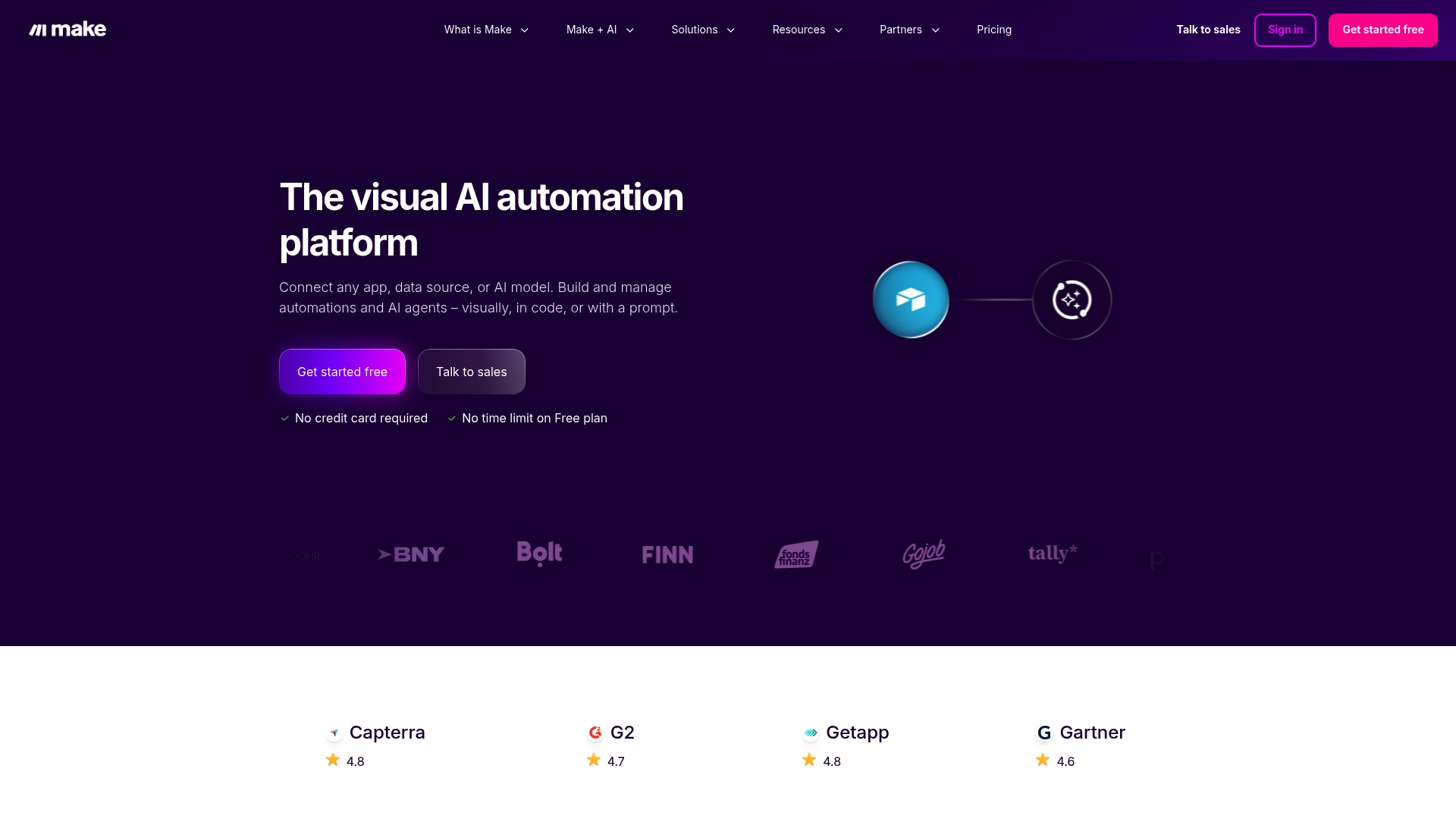
Make centers on a visual workflow builder that uses drag and drop tools to assemble multi-step automations without code. Make.com reports integration with over 3,000 apps and includes AI agents for decision logic and complex orchestration across services. The platform also advertises enterprise security features such as SSO, GDPR, and SOC 2/3, plus analytics dashboards for observability.
Key Differentiator
A visual-first editor combined with embedded AI agents defines Make's angle. The designer lets technical staff and business teams collaborate on the same flows. That pairing helps teams automate processes that cross CRM, finance, marketing, and IT systems while keeping runbooks visible.
Pros
The interface makes it straightforward for non-technical people to map processes while still allowing developers to add logic and custom modules. The vendor advertises high review scores on third-party sites, listing Capterra 4.8, G2 4.7, and GetApp 4.8. The library of prebuilt connectors and AI apps reduces build time for common use cases, and the security controls support enterprise deployments and audit needs.
Cons
-
Primarily aimed at medium and large organizations; small teams may find the platform more than they need.
-
Complex automations can require a learning curve despite the visual approach.
-
Detailed enterprise pricing often requires contacting sales, which can slow evaluation for budget-constrained teams.
When It May Not Fit
If your team needs only single-step integrations or occasional automation, Make may feel heavyweight. Organizations that require public, line-item pricing upfront will find that detailed enterprise quotes usually come through sales. Small teams without staff time to learn advanced flows will likely prefer simpler point tools.
Notable Integrations
-
OpenAI
-
HubSpot CRM
-
monday.com
-
NetSuite
-
Salesforce
-
Slack
-
Canva
-
Perplexity AI
Who It's For
Mid-market and enterprise teams that need to link many systems and use AI inside workflows. Marketing, sales, IT, and operations groups that must automate multi-step processes and preserve security controls will get the most value.
Real World Use Case
A global manufacturer used Make to synchronize inventory and shipment records across ERP and logistics platforms. That reported reduction in manual entry delivered faster visibility into shipments and fewer reconciliation errors for the operations team.
Pricing
Make documents tiered plans on its site and offers a free entry tier plus paid plans for growing teams. Enterprise pricing is tailored and commonly requires direct contact with sales for a custom quote.
Website: https://make.com
Alluvia Platform
At a Glance
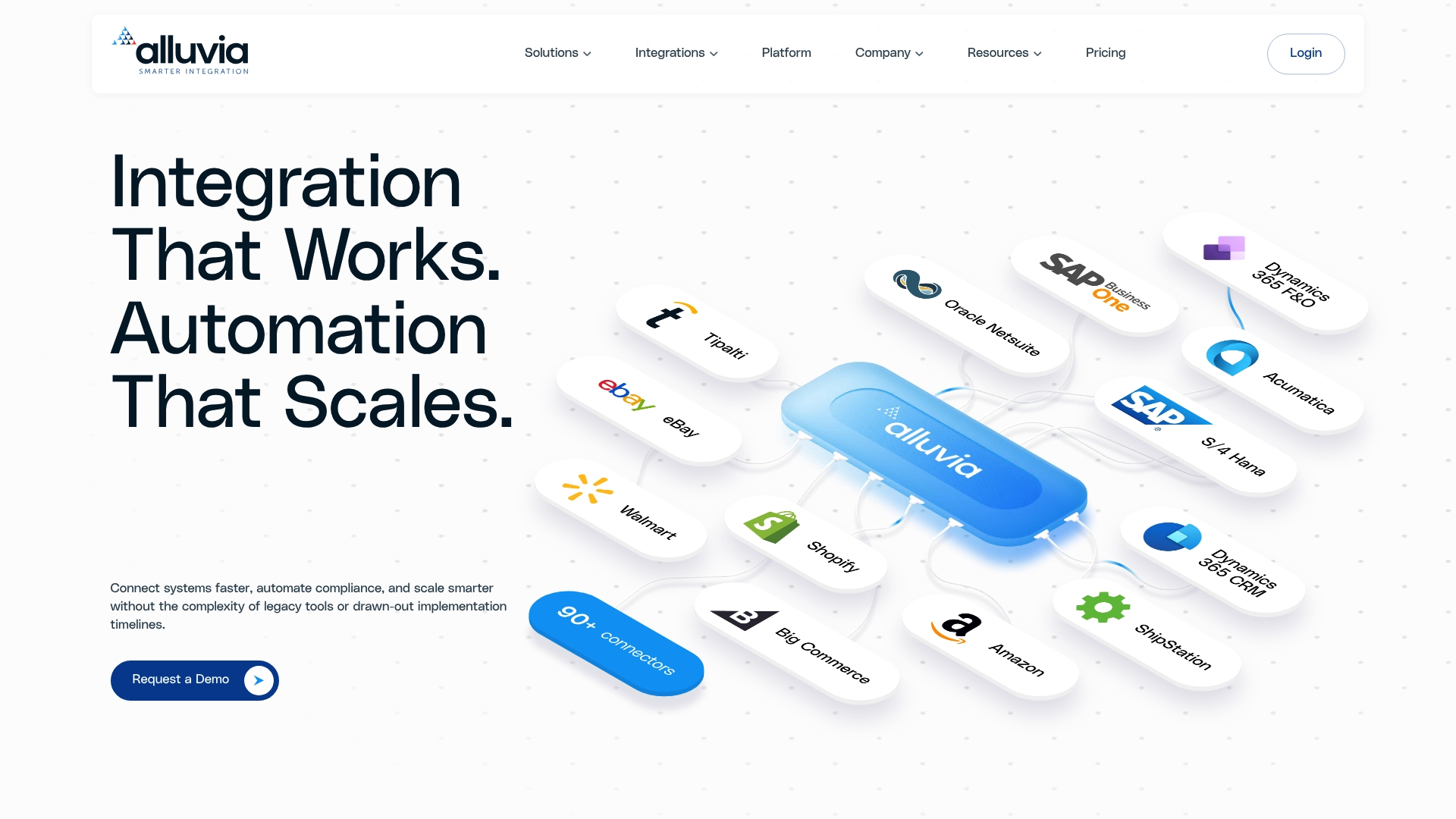
$1,200 to $1,800 is the vendor's one-time setup fee for initial implementation. The platform emphasizes prebuilt, no-code connectors for ERP, EDI, and ecommerce systems to reduce custom development. It targets mid-market and enterprise teams that need real-time synchronization and high-volume transaction support.
Core Features
Alluvia combines prebuilt connectors with a drag-and-drop data mapping wizard to map fields without coding. The platform supports automated real-time data synchronization and is designed for high-volume transactions and complex workflows. Enterprise-grade scalability and reliability are central to its architecture and deployment model.
Key Differentiator
Alluvia's main distinction is its mix of no-code connectors and support for enterprise-scale workloads. That combination lets integration projects move from design to live integrations faster than custom-code projects. For teams that need both quick onboarding and the capacity to handle many trading partners, that pairing narrows the typical tradeoff between speed and scale.
Pros
The no-code interface reduces reliance on in-house developers and shortens deployment cycles for routine integrations. Broad ERP coverage and out-of-the-box connectors for major platforms lower the effort needed to connect core business systems. The vendor reports responsive customer support and troubleshooting, which helps when workflows require professional guidance.
Cons
- May become costly at very large scale or with heavy customization. Costs reported in third-party reviews indicate expense grows with volume and bespoke work.
- Initial setup can still require external professional guidance for complex configurations. Smaller teams may need partner services to complete advanced mappings.
- Extremely niche or proprietary systems might not be supported out of the box. Those cases will require custom adapter work.
When It May Not Fit
If your integration program relies on in-house developers and seeks to build every connector from scratch, Alluvia's no-code approach may feel restrictive. Organizations with extremely low margins and massive document volumes may find total cost higher than expected. If you use highly proprietary systems with no standard endpoints, the platform will likely require custom development.
Notable Integrations
- SAP Business One
- SAP S/4HANA
- Oracle NetSuite
- Microsoft Dynamics
- Acumatica
- Sage
- Shopify
- Magento (Adobe Commerce)
Who It's For
Mid-market and enterprise IT teams that must connect ERP, ecommerce, and supply chain systems quickly will get the most value. Integration leads who want to reduce custom code and shorten vendor onboarding will appreciate the prebuilt connector set. Procurement and operations teams managing trading partner documents will also find the platform relevant.
Real World Use Case
A retail company integrated SAP Business One with Shopify and ShipStation to automate order processing, inventory updates, and shipment tracking. The integration removed manual CSV handling and reduced order-to-fulfillment lag. That scenario shows how connectors plus mapping reduce daily operational work.
Pricing
Pricing includes a one-time setup fee reported at $1,200 to $1,800 and ongoing monthly subscription fees that vary by document volume and number of trading partners. Total cost depends on integration complexity, transaction volumes, and any required professional services.
Website: https://alluviaplatform.com
Comparison of alternatives
Choosing the best solution for integration and process automation requires evaluating unique organizational needs, scalability options, and AI-driven insights.
AI and Organizational Insights
Oakandnine offers a significant advantage with its continuously updated organizational modeling, providing operational teams insights tied directly to financial metrics and efficiency outcomes. By centralizing diverse process data and applying advanced AI to highlight bottlenecks, organizations can effectively plan impactful interventions. This focus sets it apart, especially for mid-market companies seeking detailed strategic guidance. In contrast, other platforms like Make.com simplify automation via visual drag-and-drop tools but lack the overarching operational mapping Oakandnine excels in.
Enterprise Scalability
Boomi demonstrates strengths in scalability, supported by its enterprise-grade governance and AI native agent systems. With an extensive connector library and advanced orchestration, Boomi ensures enterprise IT teams can securely automate complex workflows across multiple systems. This scalability is essential for organizations facing high-volume integrations and demanding compliance requirements. Elastic.io further supports high throughput environments, particularly for IoT scenarios, benefiting organizations managing real-time data workflows. While Oakandnine prioritizes depth in organizational insights, its pilot-based approach may pose accessibility challenges for enterprises demanding scalable deployment.
Best fit
- Organizations seeking AI integration and prioritization for operational change will find Oakandnine aligns tightly by delivering workflows directly tied to margin improvements.
- Large IT enterprises aiming for scalability in process automation should consider Boomi for its governance features and extensive connector footprint.
- Teams managing IoT and real-time data workflows with microservices should explore elastic.io for its proven scalability under burst conditions.
- Mid-market companies focusing on quick ERP and EDI integration can leverage Alluvia Platform’s prebuilt connectors to reduce time-to-deployment.
Our pick
Oakandnine’s dynamic approach to generating a continuously updating organizational map informed by AI-driven recommendations makes it a standout solution for teams prioritizing strategic and operational alignment. Its focus on tying process revision directly to measurable business metrics appeals to leadership teams looking to balance efficiency and scaling objectives. However, for organizations requiring immediate large-scale deployment or broader integration network support, alternatives like Boomi may present better options.
The following table highlights the key differences among these integration platforms to guide your choice based on your organizational needs.
| Platform | Primary Feature | Key Differentiator | Best For | Pricing | Limitations |
|---|---|---|---|---|---|
| Oakandnine | Live organizational modeling with AI-driven analysis | Continuous updates aligning processes with outcomes | Mid-market businesses | Price not published | Invitation-only access limits immediate use. |
| Jitterbit Harmony | Low-code integration and orchestration with AI assistance | Combines AI with drag-and-drop interface | Enterprise IT teams | Price not published | Broad features may overwhelm inexperienced teams. |
| Boomi | Comprehensive API and data integration with governance | AI native management and granular control | Enterprise automation | Price not published | Extensive training needed for advanced integration cases. |
| elastic.io | High-scalability microservices for API and data workflows | Architecture optimized for real-time and IoT operations | Large enterprises and SaaS | Price not published | Limited public reviews hinder validation of claims. |
| Make.com | Visual workflow design and multi-step automation tools | User-friendly interaction suited for diverse teams | Mid-market organizations | Tiered plans available | Complex automations require significant learning effort. |
| Alluvia Platform | Prebuilt no-code connectors for ERP and EDI systems | Simplicity paired with scalability for data transactions | Mid-market and enterprise IT | Starting from $1,200 setup fee | Customization increases costs at high volumes. |
How Can Mid-Market Teams Improve Integration Efficiency and Drive Margin Growth?
Managing scattered data and aligning people, processes, and technology presents a critical challenge for mid-market organizations aiming to increase margin and asset efficiency. Oakandnine creates a live organizational model that refreshes in real time. It reveals where bottlenecks and inefficiencies appear while tying operational insights to financial and employee performance metrics. This focused view reduces manual effort and directs teams to high-impact improvements.
If you are an operations leader or finance team member ready to convert complex process data into clear priorities for margin growth, explore how Oakandnine uses AI-augmented consulting experience to help your organization. Visit Oakandnine to see how continuous modeling can improve your operating model and free your resources for the work that really matters.
FAQ
What key feature does Oakandnine offer to enhance operational visibility?
Oakandnine provides a live model that consolidates people, processes, and technology into a unified view. This live model continuously refreshes to reveal friction points and improvement paths, making it a vital tool for operations leaders and IT managers. Teams can leverage this to pinpoint areas for operational enhancement effectively.
How does Oakandnine compare to Jitterbit Harmony for automation?
Jitterbit Harmony excels in enterprise implementation, offering a low-code environment with prebuilt connectors. On the other hand, Oakandnine's strength lies in its continuous organizational model, which links operational findings directly to margin improvements and employee effectiveness. Teams needing deep operational insight may find Oakandnine a better fit for their specific scenario.
Which platform provides lower commitment for organizations with scattered data?
Oakandnine offers features like AI-driven identification and a live model to help organizations bring scattered data into one view. This approach reduces manual synthesis and prioritizes actionable changes directly tied to revenue objectives. Organizations can start with Oakandnine without extensive upfront commitment, allowing for a practical initial evaluation.
Can Oakandnine help mid-market organizations with complex workflows?
Yes, Oakandnine is designed for mid-market organizations that need to streamline their processes with a real-time organizational map. The platform supports teams ready to collaborate with analysts and AI models to convert insights into real operational improvements. This makes it an excellent match for organizations handling intricate workflow scenarios.
What type of support does Oakandnine offer for teams during pilot onboarding?
Oakandnine offers support through pilot onboarding, providing guidance for early access organizations. This helps ensure that teams can effectively use the platform's mapping and optimization features before fully committing. Organizations will receive tailored assistance as they explore the platform's potential for their specific needs.