
Workflow automation software is a digital platform that routes tasks, approvals, and data through predefined, AI-enhanced processes to reduce manual effort and increase operational accuracy. For mid-size companies, this category of process automation software has moved well beyond simple "if-this-then-that" rules. Intelligent process automation platforms now deliver 4–6x ROI and up to 80% cost optimization by replacing manual workflows with automated orchestration. The shift toward agentic AI means software for workflow automation can now handle exceptions, make routing decisions, and integrate across ERP, CRM, and HRMS systems without human intervention at every step.
What is workflow automation software and how does it work?
Workflow automation software operates through four core elements: triggers, conditions, routing logic, and actions. A trigger fires when a defined event occurs, such as a form submission or a record update. The system then evaluates conditions, applies routing rules, and assigns tasks or approvals to the right person or system automatically. Triggers, conditions, and routing drive automatic task assignment and approvals across both systems and people.

Modern platforms go further than static rules. Agentic AI-driven workflows manage exceptions and judgment-intensive tasks more flexibly than classic rule-based automation. This matters because real business processes rarely follow a clean path. An invoice with a missing purchase order number, a contract approval that needs a non-standard signatory, or a compliance check that requires contextual reasoning: these are the scenarios where agentic workflows outperform brittle rule chains.
Integration is the other critical mechanism. Enterprise-grade automation software connects to your existing stack, pulling data from and pushing actions into ERP systems like SAP, CRM platforms like Salesforce, and HRMS tools. Unified orchestration layers bring people, bots, systems, and data under a single governance framework, allowing organizations to scale without creating compliance gaps.
- Triggers: Events that start a workflow, such as a form submission, a date threshold, or a data change in a connected system.
- Conditions: Rules that determine which path a task takes based on data values, user roles, or approval status.
- Routing logic: The engine that assigns tasks to the right person, team, or AI agent based on conditions.
- Actions: The outputs the system executes, including notifications, record updates, approvals, and escalations.
- AI agents: Software components that handle exceptions, interpret context, and make decisions without a human in the loop.
Pro Tip: Map your three most error-prone manual processes before evaluating any platform. You will identify your highest-value automation targets and have concrete use cases to test during a free trial.
What key features should mid-size companies look for?
Selecting the right automation software workflow platform requires evaluating specific capabilities, not just headline features. Mid-size companies face a distinct challenge: they need enterprise-grade governance without the implementation overhead that large organizations can absorb. The feature set you choose today determines whether your automation program scales or stalls within 18 months.
-
No-code and low-code builders. Your operations team should be able to build and modify workflows without writing code. The barrier to entry has shifted from coding expertise to business intent communication, meaning the best platforms translate plain-language process descriptions into working workflows. This reduces dependency on IT and accelerates deployment.
-
Customizable approval and routing rules. Approval chains in mid-size companies are rarely linear. You need conditional branching, parallel approvals, and escalation paths. Critically, guest approval support prevents bottlenecks caused by license-restricted approvers, which is a common failure point when external partners or clients are part of a process.
-
Real-time tracking, dashboards, and analytics. Visibility is not optional. A good platform shows you where every task sits, how long approvals take, and where bottlenecks form. This data feeds continuous improvement and gives managers the evidence to justify further automation investment.
-
Security, governance, and compliance features. Role-based access controls, audit trails, and data encryption are baseline requirements. For UK-based companies, GDPR compliance and data residency options are non-negotiable. Platforms that lack granular permission settings create regulatory exposure as your automation footprint grows.
-
Integration capabilities with existing tools. A platform that cannot connect to your current ERP, CRM, or finance system creates data silos rather than eliminating them. Prioritize platforms with pre-built connectors and open APIs. The depth of integration, not just the number of connectors, determines real-world utility.
What are the benefits and ROI of workflow automation software?
The business case for automation software is well established and quantifiable. Organizations using intelligent process automation report 4–6x ROI alongside up to 80% cost optimization. That range reflects the difference between automating a single department and deploying automation across interconnected processes. The compounding effect is significant: each automated handoff removes a delay, an error risk, and a labor cost simultaneously.
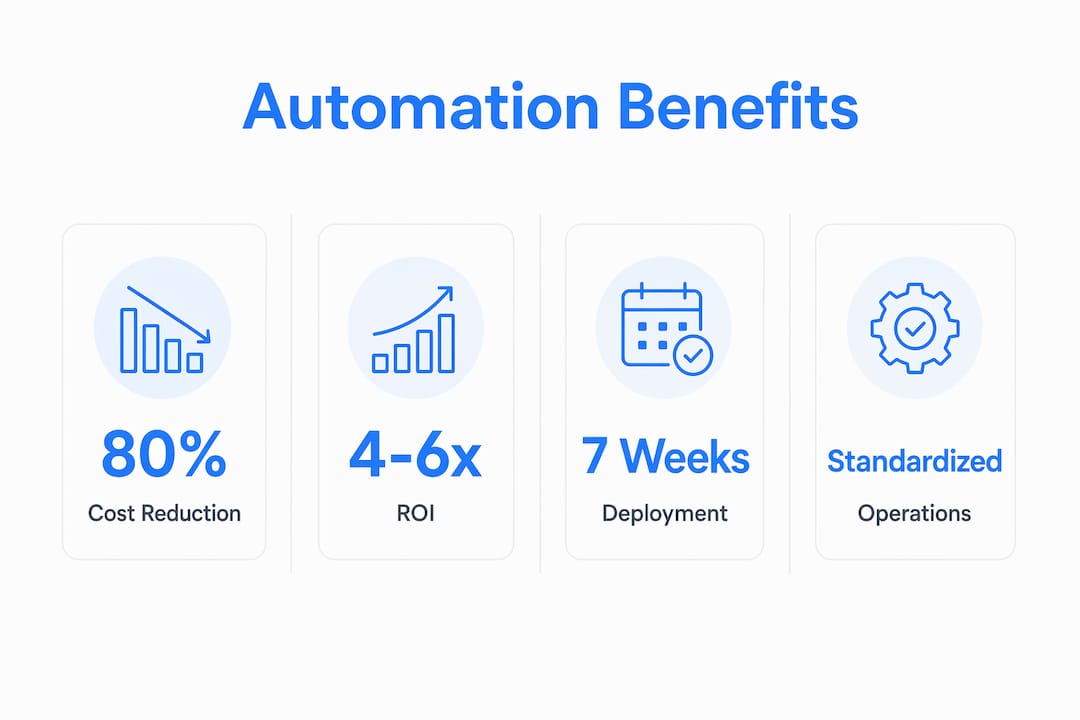
Speed of value realization is another underappreciated advantage. AI-enabled automation packages can be deployed and operational within seven weeks from project start to live AI agent usage. That timeline is a fraction of traditional enterprise software implementations, which often run six to twelve months before delivering measurable output. For mid-size companies with limited IT bandwidth, this matters enormously.
| Benefit | What it means in practice |
|---|---|
| Cost reduction | Up to 80% lower processing costs for automated workflows |
| ROI multiple | 4–6x return on automation investment across intelligent platforms |
| Deployment speed | Live AI agent workflows achievable within seven weeks |
| Error reduction | Automated routing eliminates manual handoff errors |
| Team capacity | Staff redirected from repetitive tasks to higher-value work |
Beyond the numbers, automation creates operational standardization. Every process runs the same way every time, which reduces the variation that causes errors and compliance failures. Teams freed from repetitive approvals and data entry focus on analysis, client relationships, and strategic decisions. That reallocation of human effort is where the real productivity gain lives.
How can mid-size businesses implement and scale workflow automation?
Implementation success depends less on the platform you choose and more on how you approach the rollout. The most common mistake is starting too broadly. Automating ten processes simultaneously creates change management problems, integration complexity, and a difficult debugging environment. Start with one high-volume, low-complexity process, prove the value, then expand.
Free trial periods for workflow automation software typically run around 14 days, and ROI can appear within days or weeks when no-code tools reduce setup time. Use the trial period to automate a real process, not a demo scenario. Involve the team members who actually run that process. Their feedback during the trial predicts adoption success better than any feature checklist.
- Identify your automation candidates. Rank processes by volume, error rate, and manual effort. High-volume, rule-based processes with clear inputs and outputs are the best starting points.
- Communicate business intent clearly. The shift from coding to intent-driven deployment means your team describes what the process should do, and the platform builds it. Write clear process descriptions before you open the builder.
- Involve stakeholders early. Process owners, approvers, and end users must participate in design. Automation built without their input creates workarounds and shadow IT.
- Plan for governance from day one. Define who can create, modify, and deactivate workflows. Without governance rules, automation programs accumulate technical debt and compliance risk as they scale.
- Measure and iterate. Set baseline metrics before launch: average process completion time, error rate, and cost per transaction. Review them monthly and adjust routing rules based on real data.
Pro Tip: Assign a named process owner to every automated workflow. When the business changes, that person is responsible for updating the automation. Ownerless workflows become the shadow IT of the automation era.
Key Takeaways
Workflow automation software delivers measurable ROI when organizations select platforms with the right feature depth and deploy them with clear governance from the start.
| Point | Details |
|---|---|
| ROI is quantifiable | Intelligent automation platforms report 4–6x ROI and up to 80% cost optimization. |
| Agentic AI changes the ceiling | AI-driven workflows handle exceptions that rule-based systems cannot, reducing manual rework. |
| Guest approvals prevent bottlenecks | Platforms must support external approvers to avoid license-restricted delays in mid-size workflows. |
| Deployment is faster than expected | AI-enabled automation can go live within seven weeks, far ahead of traditional enterprise timelines. |
| Governance must come first | Defining workflow ownership and access controls before scaling prevents shadow IT and compliance gaps. |
Where workflow automation is actually heading
The conversation about workflow automation has shifted. When I started working with mid-size companies on their operating models, the question was always "which tasks can we automate?" That question is now almost irrelevant. The better question is "which processes can we hand to an AI agent entirely?"
The move from rule-based to agentic automation is not incremental. It is a structural change in what automation software can own. I have seen companies spend two years building elaborate rule chains that still require a human to handle every edge case. Agentic systems handle those edge cases autonomously. The organizations that recognize this shift early are building unified orchestration layers now, not retrofitting them later.
The mistake I see most often in mid-size companies is treating automation as a technology project rather than an operating model decision. You cannot automate your way out of a poorly designed process. The software will faithfully execute a broken workflow at machine speed. The work that matters happens before you open the platform: mapping your processes, identifying where decisions actually live, and designing the governance that keeps the whole system honest.
Ease of use is real, and no-code builders have genuinely lowered the barrier to entry. But ease of use without organizational discipline produces a proliferation of disconnected automations that nobody owns and nobody can audit. The companies getting the most from their automation investment are the ones that treat it as an operating model capability, not a productivity tool.
— Ronan
How Oakandnine helps you move from automation to operating model
Mid-size companies rarely lack automation tools. They lack a clear picture of how their processes, people, and systems connect before they automate anything.
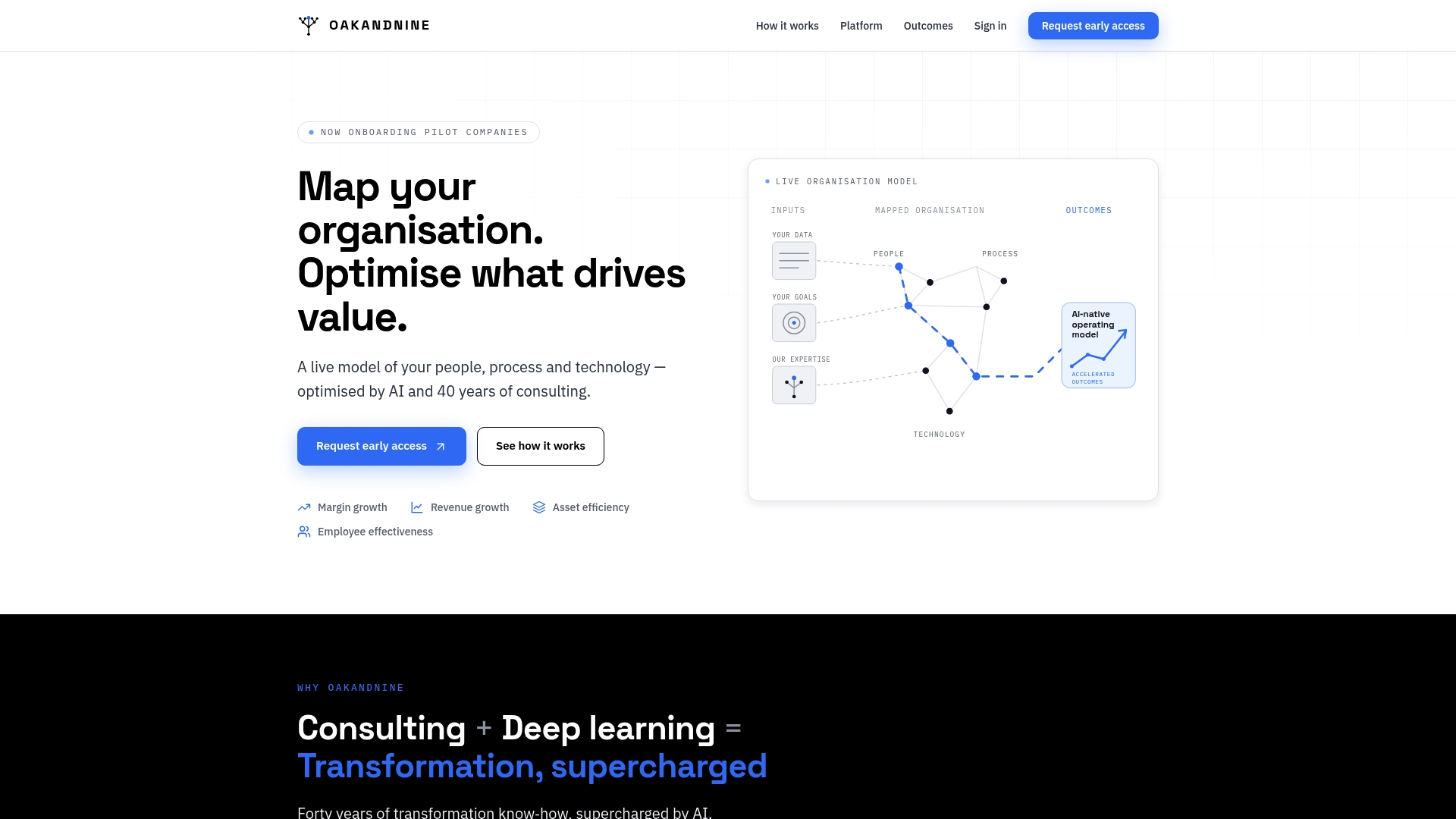
Oakandnine brings four decades of consulting experience to exactly this problem. The platform builds a live model of your organization, identifying the friction points and decision gaps that automation software will either fix or amplify. Rather than deploying tools into an unmapped operation, Oakandnine gives you the organizational clarity to automate with confidence. If you are ready to move from scattered point solutions to a coherent, governed automation program, map your organization with Oakandnine and see where the real gains are waiting.
FAQ
What is workflow automation software?
Workflow automation software is a digital platform that routes tasks, approvals, and data through predefined or AI-driven processes to reduce manual effort and increase accuracy. It connects people, systems, and AI agents under a single operational framework.
How long does it take to deploy workflow automation software?
AI-enabled automation packages can be deployed and operational within seven weeks from project start to live usage. No-code platforms can deliver ROI within days or weeks for straightforward processes.
What is the difference between rule-based and agentic workflow automation?
Rule-based automation follows fixed "if-this-then-that" logic and fails on exceptions. Agentic AI workflows use AI reasoning to handle non-standard scenarios, reducing the need for human intervention on edge cases.
Is free workflow automation software worth using for mid-size companies?
Free tiers and 14-day trials are useful for validating a platform against real processes, but free plans typically lack the governance, integration depth, and security controls that mid-size companies need at scale.
What features matter most when selecting process automation software?
No-code builders, guest approval support, real-time dashboards, GDPR-compliant security controls, and deep integration with your existing ERP and CRM systems are the features that determine long-term value for mid-size organizations.