
Workflow automation tools are platforms that connect applications, execute rule-based logic, and increasingly deploy AI agents to complete business processes without manual intervention. The industry has shifted well beyond simple app integrations. Agentic orchestration now handles judgment calls, exception management, and multi-step decision trees that once required a human at every turn. For mid-market operational leaders, this shift is not a future consideration. It is the current standard against which your process automation solutions must be measured. Platforms range from no-code visual builders to developer-driven enterprise systems, with pricing from free tiers up to roughly £40/month for mid-level plans and custom enterprise pricing above that.
What core features define modern workflow automation tools?
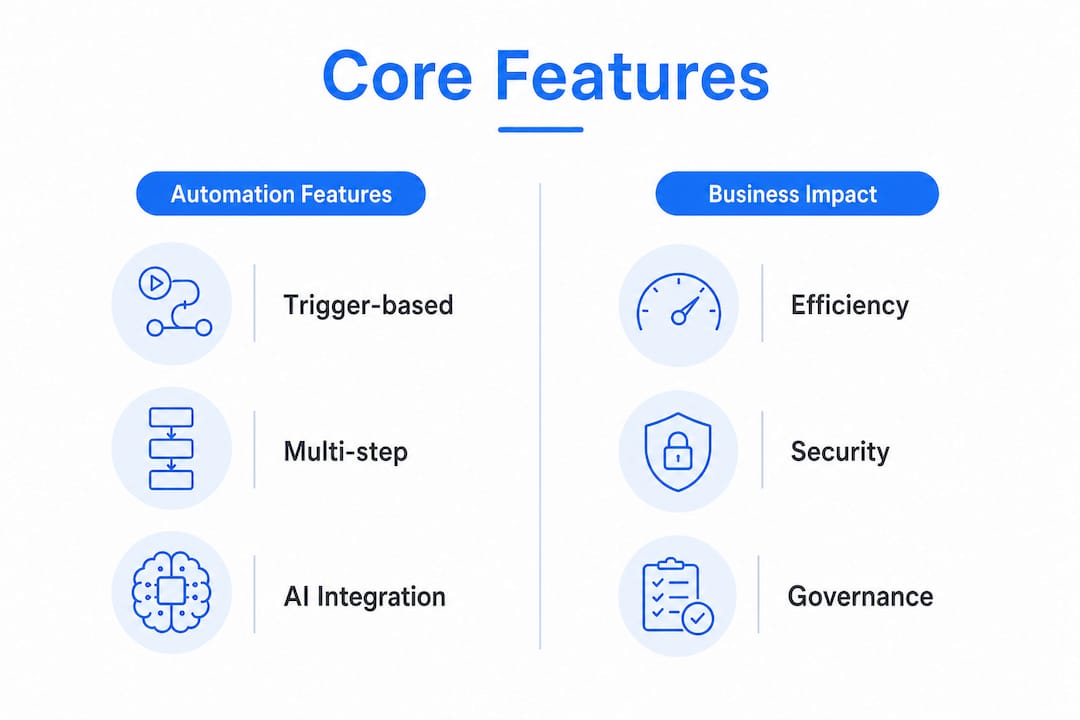
The baseline expectation for any workflow management system in 2026 is trigger-based automation, multi-step workflows, conditional logic, error handling, and approval gating. These are table stakes. What separates capable platforms from commodity ones is the layer of AI capability built on top.
Modern platforms now allow you to describe a workflow in plain language, and the system generates multi-step orchestration automatically, including human approval gates at critical decision points. That is a fundamental change from the old model of dragging connectors between app icons. The platform executes real work, not just data movement.

| Feature category | Business impact |
|---|---|
| Trigger-based automation | Eliminates manual task initiation across departments |
| Conditional logic and branching | Handles process variation without human routing |
| AI agent task completion | Manages exceptions and edge cases autonomously |
| Human-in-the-loop approval gating | Maintains oversight on high-stakes decisions |
| Governance and audit trails | Supports compliance and process accountability |
Integration breadth is the other critical variable. A task automation tool that connects to 50 apps is far less useful to a mid-market company running Microsoft 365, a CRM, an ERP, and a finance platform than one that connects to all four natively. Microsoft Power Automate is the clearest example of deep native integration within a specific ecosystem. For companies outside that ecosystem, integration breadth becomes a primary selection filter.
Security and governance features matter more than most operational managers initially expect. Audit trails, role-based access, and data residency controls are not IT concerns. They are operational risk controls that protect the business when an automated process touches customer data or financial records.
Pro Tip: Before evaluating any platform's AI features, confirm it supports your existing identity management system. Single sign-on compatibility and role-based permissions are the fastest way to assess whether a vendor has built for enterprise governance or just bolted it on.
How do you select and implement the right process automation solution?
The most common mistake in tool selection is starting with the platform rather than the process. You must map what you are automating before you choose how to automate it. Tasks with high volume, low judgment requirements, and clear decision rules are the right candidates. Tasks that are inconsistent, poorly documented, or dependent on tacit knowledge will fail in automation regardless of the tool.
The critical architectural choice is between no-code visual builders and developer-driven platforms. No-code platforms give operational teams direct control and reduce dependency on engineering resources. Developer-focused platforms offer deeper customization and enterprise governance but require dedicated technical staff to maintain and secure them. Self-hosted options in particular carry ongoing maintenance costs that organizations consistently underestimate when building business cases.
Evaluation criteria for mid-market companies:
- Integration compatibility: Does the platform connect natively to your existing systems without custom API work?
- Automation style fit: Does your team have the technical capacity to manage a developer-driven platform, or does no-code better match your resources?
- Governance requirements: Does the platform provide audit trails, access controls, and compliance reporting?
- Scalability of pricing: Does the cost model remain viable as you scale from 10 automations to 100?
- Vendor support and documentation: Is the support model appropriate for your internal capability level?
App fatigue is a real operational cost. Overlapping automation capabilities across multiple existing software subscriptions create redundancy, confusion, and wasted spend. Before purchasing a new workflow automation platform, audit what your current tools already do. Many mid-market companies discover that their CRM, ERP, or collaboration platform already includes automation features they have never activated.
Pro Tip: Run a 30-day pilot on one high-volume, low-risk process before committing to a platform. The pilot will expose integration gaps, governance gaps, and user adoption issues that no demo will reveal.
What practical examples show high-impact automation in action?
Automation of high-volume, low-judgment tasks like lead qualification and customer onboarding reduces manual time by 40–60% within six months of implementation. That figure is significant because it translates directly to redeployable capacity, not just efficiency metrics on a dashboard. Businesses typically implement 12–22 high-impact automations within their first adoption year.
The five use cases that consistently deliver the strongest returns for mid-market operational teams:
- Lead qualification and routing: Automatically score inbound leads against defined criteria and route them to the right sales rep without manual triage.
- Customer onboarding sequences: Trigger welcome communications, account setup tasks, and internal handoffs the moment a contract is signed.
- Operational reporting: Pull data from multiple systems on a schedule and generate standardized reports without analyst intervention.
- Invoice and purchase order processing: Match invoices to purchase orders, flag exceptions, and route approvals automatically through finance workflows.
- Employee onboarding and offboarding: Coordinate IT provisioning, HR documentation, and access management across systems from a single trigger event.
Each of these use cases shares the same profile: high transaction volume, defined decision rules, and a clear cost of manual error. That profile is your filter for identifying automation candidates in your own organization. If a task happens more than 20 times per week and follows a consistent pattern, it belongs on your automation shortlist.
The cross-departmental reach of these examples is deliberate. Sales, marketing, finance, and operations all contain processes that meet the automation candidate profile. The organizations that capture the most value treat automation as an operating model capability, not a departmental IT project.
What emerging trends are reshaping workflow automation in 2026?
The defining shift in 2026 is the move from trigger-based rule execution to agentic workflow design. In a traditional workflow, every decision point must be pre-programmed. In an agentic model, an AI agent reasons through the situation, selects the appropriate action, and escalates to a human only when the decision exceeds its confidence threshold.
This architectural shift has real implications for how you build and govern your automation estate:
- Process standardization becomes non-negotiable. AI agents cannot reason through chaos. You must document and standardize processes before you hand them to an agent-run system.
- Human-in-the-loop gates become a design feature, not a workaround. Effective agentic systems are designed with deliberate human checkpoints for high-stakes decisions.
- Interoperability between platforms becomes a governance requirement. As automation spans more systems, the ability to audit and trace decisions across platforms is a compliance necessity.
- No-code AI workflow builders are lowering the barrier to agentic design. Operational managers can now build agent-run processes without writing code, which changes the resource model for automation programs.
"Effective organizations treat automation not as a cost-reduction tactic but as a strategic asset for decision-making. The platforms that win in this environment are those that act as reasoning engines, handling exceptions and edge cases rather than just moving data between applications."
The governance question is the one most leaders underestimate. As AI agents make more decisions autonomously, the audit trail and explainability requirements grow. Platforms that cannot show you why an agent took a specific action will create compliance exposure. Build governance requirements into your platform selection criteria from the start, not as an afterthought.
Key Takeaways
Workflow automation tools deliver the most value when organizations standardize processes first, select platforms based on integration fit, and build governance into the design from the outset.
| Point | Details |
|---|---|
| Define before you automate | Map and standardize processes before selecting any platform or building any workflow. |
| Match platform to team capability | No-code builders suit operational teams; developer platforms require dedicated engineering resources. |
| Audit before you buy | Check existing tools for unused automation features before investing in a new platform. |
| Target high-volume, low-judgment tasks | Automating these tasks reduces manual time by 40–60% within six months of implementation. |
| Build governance in from the start | Audit trails, access controls, and explainability requirements grow as AI agents take on more decisions. |
What I have learned from watching automation programs succeed and fail
The organizations that get the most from their automation investments share one habit: they treat process documentation as a prerequisite, not a parallel workstream. I have seen mid-market companies spend six figures on a capable platform and then spend the next 12 months trying to automate processes that were never properly defined. The tool is not the problem. The operating model is.
The second pattern I see consistently is tool fatigue. A company acquires a CRM with built-in workflow features, a project management platform with automation, a finance system with approval routing, and then buys a dedicated automation platform on top. The result is four overlapping systems, none of which anyone fully understands. Subscription auditing before any new purchase is not a finance exercise. It is an operational discipline.
My honest recommendation: start with the processes that cause the most friction for your best people. Not the lowest-hanging fruit. The processes that consume disproportionate time from your highest-value operators. Automating those first builds organizational credibility for the program and delivers returns that justify the next phase of investment.
The long-term value of AI-driven workflows comes from the combination of automation and human judgment, not from replacing one with the other. The platforms that position AI as a replacement for human decision-making are selling a capability that does not yet exist at the reliability level mid-market operations require. The platforms that position AI as a reasoning layer that escalates to humans at the right moments are describing something that works today.
— Ronan
How Oakandnine helps you build the operating model behind your automation
Automation tools execute processes. Oakandnine maps the operating model that those processes live inside. Before you can automate effectively, you need a clear picture of how your people, processes, and technology interact across the organization.
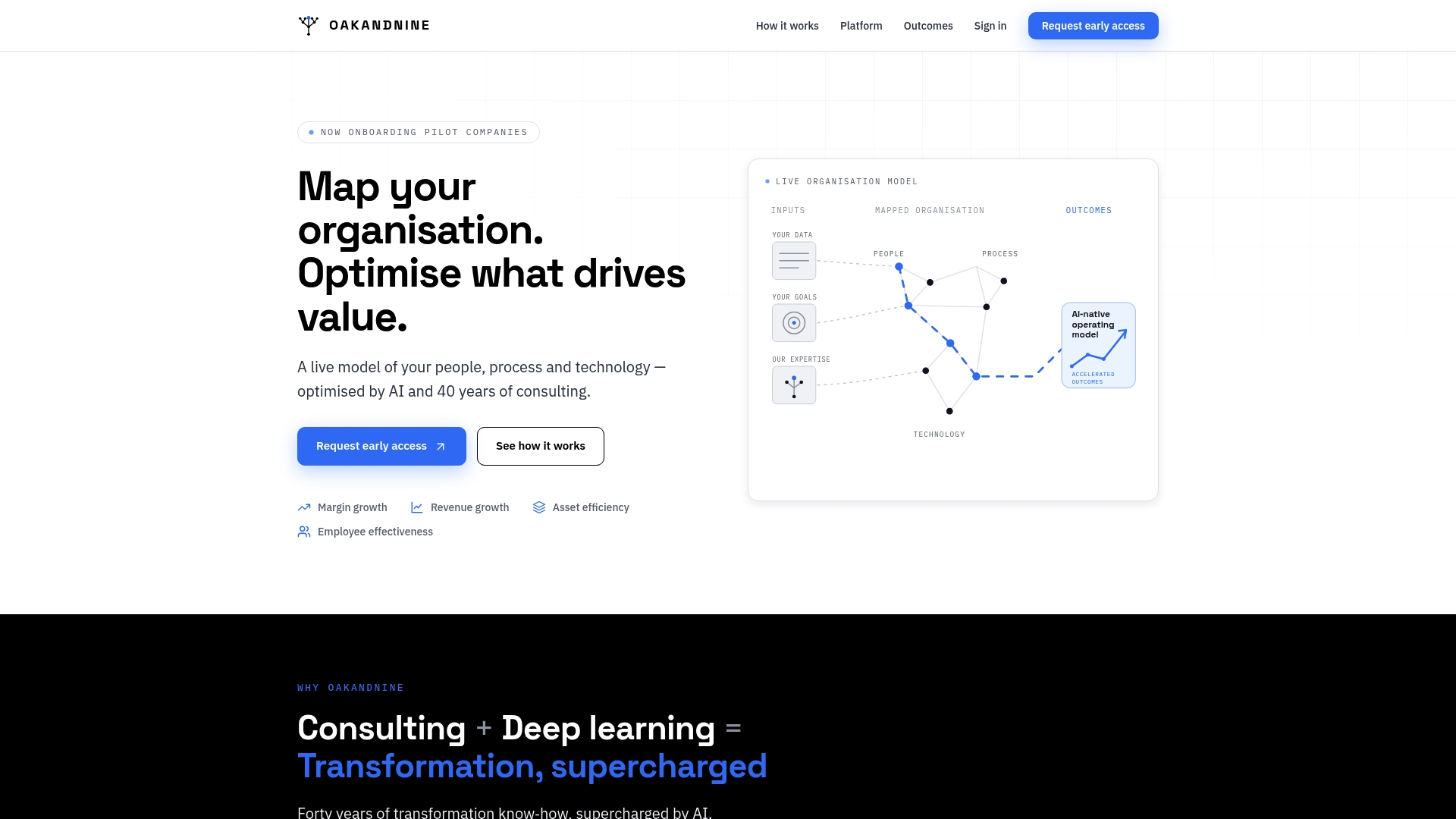
Oakandnine's AI-driven platform gives mid-market leaders a live view of their organizational operating model, identifying friction points, redundancies, and process gaps that automation alone cannot fix. Backed by four decades of consulting experience, Oakandnine translates scattered operational data into a coherent model that shows you exactly where automation will deliver returns and where it will amplify existing problems. If you are building or scaling an automation program, the operating model is where the work starts.
FAQ
What are workflow automation tools?
Workflow automation tools are software platforms that connect applications, execute rule-based logic, and deploy AI agents to complete business processes without manual intervention. Modern platforms handle multi-step orchestration, conditional logic, and exception management across departments.
How do I choose the right automation platform for my company?
Prioritize integration compatibility with your existing systems, match the platform's technical complexity to your team's capabilities, and audit your current tools for unused automation features before purchasing a new platform.
What tasks are best suited for workflow automation?
High-volume, low-judgment tasks with consistent decision rules deliver the strongest returns. Lead qualification, customer onboarding, invoice processing, and operational reporting are the most common high-impact starting points for mid-market companies.
How long does it take to see results from workflow automation?
Automating high-volume tasks like lead qualification and onboarding reduces manual time by 40–60% within six months. Most organizations implement 12–22 high-impact automations in their first adoption year.
What is agentic workflow automation?
Agentic workflow automation uses AI agents that reason through process decisions and handle exceptions autonomously, rather than following pre-programmed rules at every step. Human approval gates are built into the design for high-stakes decisions.